Gemini rank tracker: how to track whether Gemini names your business
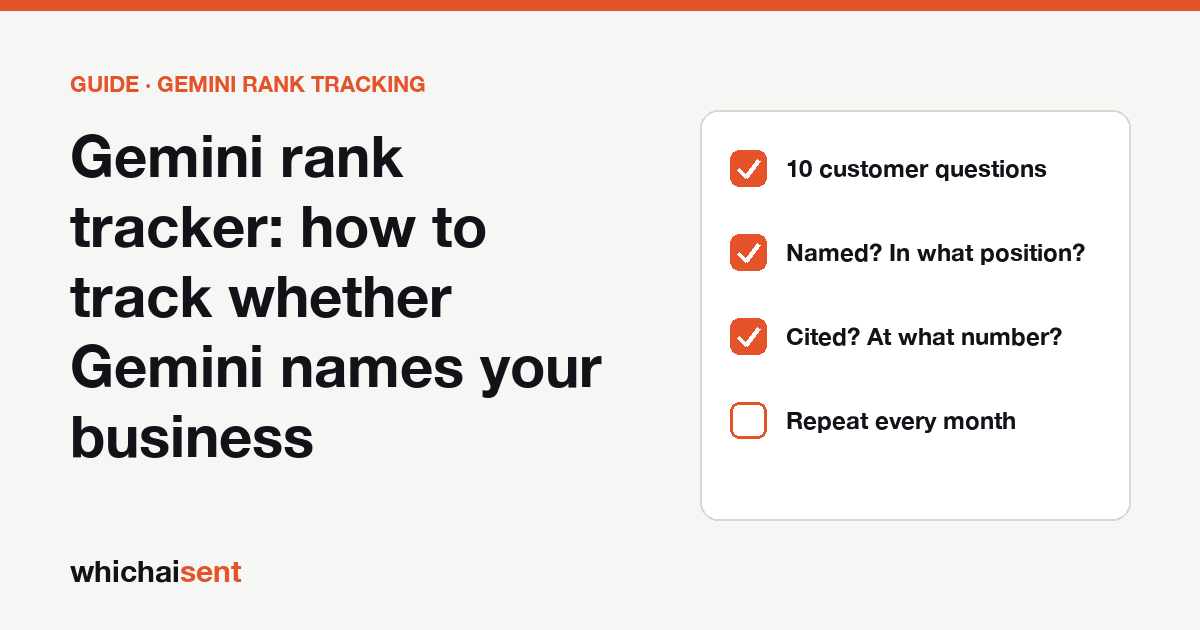
Short answer: Gemini doesn’t give you a ranking, so track two things yourself. First, whether the answer names your business, and in what position. Second, whether it links to one of your pages. Ask ten customer questions every month, in the same wording, and log the results in a spreadsheet. That is a free Gemini rank tracker. Paid tools do the same thing on a schedule for a monthly fee. Then check whether any of it brings visits and leads.
By Muhammad Mhad, founder of Which AI Sent · Published 28 October 2026
What “ranking” means in Gemini
Google search shows ten blue links in order, so a rank is one number. Gemini writes an answer, and whether it lists web sources underneath depends on the question and the product you use. So there are two things worth tracking, and they don’t always match:
- Named, and position. Does the answer name your business? Is it the first business named, the fourth, or missing altogether?
- Linked, and where. Does the answer or its sources include one of your web pages? A link is also a possible visit, so track it separately.
Gemini answers often lean on the same review sites, directories and comparison lists that other assistants read. If a list keeps naming your competitors and not you, that is usually the first thing to fix.
How to track Gemini rankings for free
For one business in one area, a monthly check by hand is enough to start. It takes about 30 minutes.
- Write 10 questions a real customer would ask. Mix general questions (“best roofer in Austin”), specific ones (“roofer in Austin who handles insurance claims”), price questions (“cheap movers in Dallas”) and one comparison with a competitor (“[you] vs [competitor]”).
- Ask each one in Gemini with the same wording every time. Note the account state you used (signed in or not) and your location, so the next month’s check matches this one.
- Record two results for each question. Were you named, and in what position? Was one of your pages linked, and where? Also note who was named instead and which sites were linked.
- Repeat every month on the same day. One answer means little. A change across ten questions over three months means something.
The spreadsheet can be the same one you use for Perplexity. Our Perplexity rank tracker guide links a CSV template with the columns already set up, and they work for Gemini too.
How to read your results
- Share of questions where you’re named. This is your headline number: “named in 3 of 10” this month, “5 of 10” next month.
- Share of questions where a link to your site appears. Track it separately from naming, because it is the number that can send visits.
- Sites you keep missing from. If the same list or directory is linked again and again and you’re not on it, that is your to-do list. Claim the listing, ask to be reviewed, or get the reviews the list ranks by.
- Who replaces you. The competitor named most often shows what Gemini has read about them. Look at their listings, reviews and the pages of theirs that get linked.
Answers change with wording, location, account state and the day. Don’t react to one check. Judge the trend across all ten questions over a few months.
Gemini rank tracking tools compared
Paid tools run your questions (they call them “prompts”) on a schedule and chart the results. Coverage changes often, so check each vendor’s current pricing page before you buy. Here is what the vendors listed for Gemini when we checked their own pages on 28 October 2026:
| Tool | Gemini included? | Free option | Best for |
|---|---|---|---|
| Manual spreadsheet | Yes, by hand | Free | One local business, monthly checks |
| Keyword.com | Yes, with ChatGPT, Perplexity, AI Mode and AI Overviews | Free trial, no card | Choosing how often to check, with client reports |
| Ahrefs Brand Radar | Yes, with ChatGPT, Copilot, AI Overviews and AI Mode | No | Teams already on Ahrefs |
| Peec AI | Advertised with ChatGPT, Perplexity and Gemini; check your plan | No | Agencies that need daily data and many seats |
| Which AI Sent | No. We track the visits, leads and bookings that Gemini sends you, not Gemini answers | Free plan | Proving which assistant brings customers |
We make Which AI Sent, so weigh what we say about ourselves accordingly. For a wider comparison that covers ChatGPT, Gemini and Perplexity together, see tools to track brand mentions in ChatGPT, Gemini and Perplexity.
Find the Gemini traffic that already reaches you
A rank tells you whether you were named. It doesn’t tell you whether anyone called. Visits from Gemini are hard to see in analytics, because they may arrive as Direct traffic or under a referral you don’t expect. Our guide on how to track Gemini traffic covers the settings to check, and the AI referral regex gives you a filter to copy into your reports.
Then ask every new customer. Add “Gemini” as an option to your “how did you hear about us” question. Many people read an answer, then phone or book without clicking a link, and only the question will catch them.
Which AI Sent labels the visits, forms and bookings that came from Gemini, ChatGPT, Perplexity, Claude and Copilot, and shows the evidence for each. Put that next to your monthly ranking log, and you can see whether being named in five of ten answers brought in any work.
How to be named by Gemini more often
Nobody outside Google can promise a place in an answer. But the steps that help with other assistants also help here:
- Get onto the lists Gemini reads. Look at which review sites and directories name your competitors, and make sure you are listed there with accurate details.
- Earn reviews where your customers already write them. Answers tend to repeat what reviews say about each business.
- State the basics in plain text on your site. What you do, where, prices if you can, and how to book, so an answer can quote you accurately.
- Keep your name, address and phone the same everywhere, and add LocalBusiness schema to your pages.
For the full list, which works across assistants, see how to get your business recommended by ChatGPT.
Gemini rank tracking
Is there a free Gemini rank tracker?
The free method is a spreadsheet and ten customer questions asked in Gemini each month. Paid tools that track Gemini usually offer a free trial rather than a free plan, so check the current terms before you start.
Why are Gemini answers different each time?
Answers depend on the exact wording, your location, your account settings and what Gemini finds at that moment. Keep the wording fixed and judge the trend across many questions, not a single answer.
Does Gemini show sources for its answers?
Sometimes. Whether Gemini lists web sources depends on the question and the product you use, so record whether links appear rather than assuming they do.
Does Which AI Sent track Gemini rankings?
Not Gemini answers, today. Which AI Sent tracks the visits, leads and bookings that Gemini sends your website. Pair it with a rank tracker or the free spreadsheet to see both sides.
See which Gemini visits bring you leads
Connect your website and see the visits, leads and bookings that came from Gemini, ChatGPT and Perplexity, with evidence for each one. Launch offer: every Pro feature is free until October 31. No card needed.