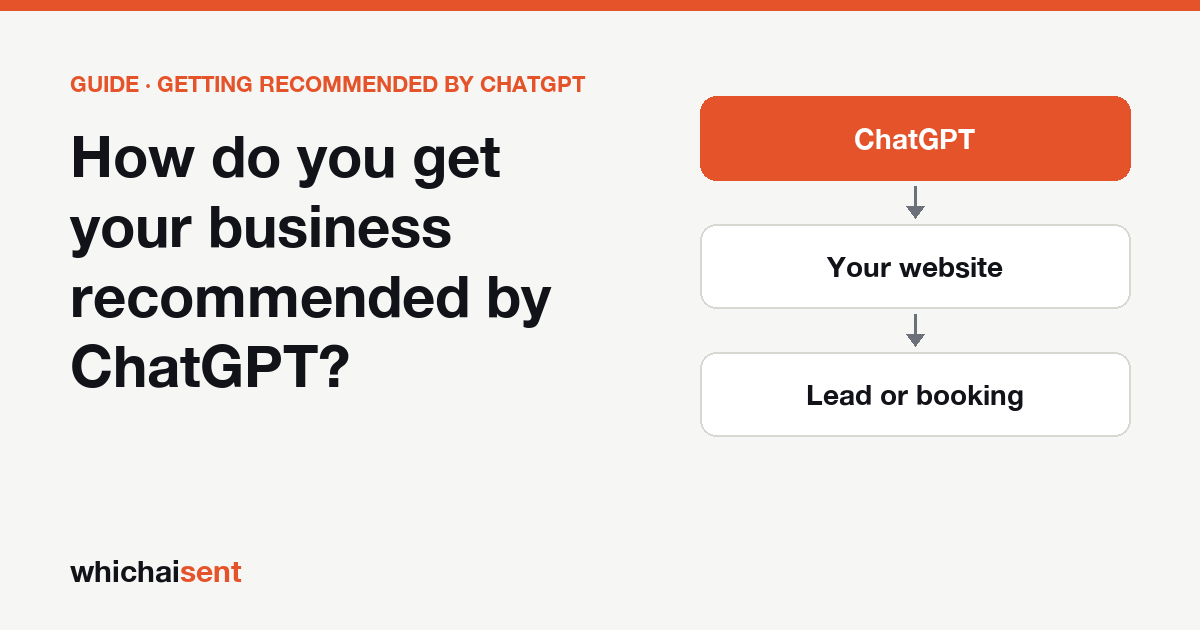
How do you get your business recommended by ChatGPT?
Short answer: There is no button and no paid listing that guarantees it. ChatGPT tends to recommend businesses whose name, services, area and reviews agree across the places it reads: your website, your Google Business Profile, reputable directories and review sites, and pages that compare providers. Make those accurate and complete, then check the answers every month and track whether any of the people who were named ever call you.
Can you pay to be recommended by ChatGPT?
Not in any way we could verify. OpenAI has not published how ChatGPT picks the businesses it names, and the guides on this topic mostly come from marketing firms and paid kits. Some of their advice is sensible, and some of their numbers (a target count of reviews, for example) have no independent source behind them. Treat any offer that promises a placement as a sales pitch.
What you can control is the information about your business that an assistant has to work with. That is the rest of this guide.
The steps that matter for a local business
1. Claim and complete your Google Business Profile
For a local business, this is usually the most important source. Claim the profile, pick the right categories, and fill in services, service areas, hours and photos. Answer the questions customers ask, and keep the phone number current. Assistants that answer local questions lean on the same business data that Google Maps shows, so an empty or unclaimed profile gives them little to work with.
2. Keep your name, address and phone number identical everywhere
Look up your business on your website, Google, Facebook, your industry directories and any local listings. If the name is spelled one way on one site and another way elsewhere, or the phone number is an old one, the assistant has to guess which version is right. Pick one exact version and correct the others. This takes an afternoon and helps ordinary local search too.
3. Write your website so it states the basics in plain text
A visitor, and an assistant, should be able to read in a few seconds what you do, the places you cover, who you serve and how to get a quote. A home page that says “Welcome to our family of services” tells neither of them anything. Give each main service its own page, name the towns or areas in the text, and put your phone number near the top.
4. Collect recent reviews on more than one platform
Reviews are how many customers already describe a business. Ask recent customers to leave a review on the platform you use most, and keep the reviews you have answered and up to date. Reviews on a single site are a weaker signal than a steady pattern across Google, your industry platform and a directory. Do not ask for reviews in exchange for a reward, and do not write them yourself. Both break the platforms’ rules and can get the listing removed.
5. Add accurate structured data to your website
LocalBusiness schema is a block of hidden code that states your name, address, phone, hours and service area in a standard format. It does not force an assistant to recommend you, but it removes doubt about the basic facts. Only mark up details that are true and that you show on the page. Do not add rating numbers you cannot point to on a public review site.
6. Earn mentions where people already compare providers
Assistants often cite “best of” articles, review roundups and industry directories when they explain a choice. Ask your existing customers, suppliers and local partners to mention you where they already write about their experience. Do not pay for a placement that is presented as an independent recommendation, and do not post promotional comments on forums as if you were a customer.
What to ignore
Anything that promises a fixed number of AI mentions in a set time, a “guaranteed” position in ChatGPT, or a special file you upload that makes assistants prefer you. There is no evidence for these. Also ignore advice to flood the web with near-identical pages about your town. Assistants read the pages, and thin copy does not add to your reputation.
How to check whether it is working
Answers change from one day to the next, so one check tells you very little. Make a list of 10 questions a real customer would ask, such as “best roofer in Dallas” or “a plumber in Dallas who answers at night”. Ask each one in ChatGPT, using a private window and the same wording every time. Write down three things: were you named, who was named instead, and which websites the answer pointed to.
Repeat the list once a month. The sites that keep appearing are your to-do list. If one review site comes up again and again and you are not on it, claim that listing first.
Our free ChatGPT visibility checker asks three customer-style questions and shows you what it found. It covers ChatGPT only, so use the list above for Gemini and Perplexity.
How to prove the leads
Being named is only useful if it brings people to you. Two things help you find out:
- Visits from AI assistants. Look for visits that came from chatgpt.com in your analytics. Check which pages they landed on, because assistants usually link to a service, pricing or review page and not your home page. Our guide on which pages ChatGPT sends visitors to shows how to read that.
- Ask every new customer. Add “ChatGPT” as a named option to your “how did you hear about us” question. Many people who used an assistant will not click a link, so the question catches customers the analytics miss.
Connect the two and you have a rough answer to the question that matters: did being recommended bring in customers? Our guide on tying AI visibility to revenue covers the next step.
A realistic order of work
- This week: fix the Google Business Profile and make the name, address and phone match everywhere.
- Next month: rewrite the homepage and main service pages so the basics are plain text, and add accurate LocalBusiness schema.
- Ongoing: ask recent customers for reviews, answer every review, and claim the review platforms your customers use.
- Monthly: run the 10-question check and record who was named and where.
- From the start: count visits from AI assistants and ask every new customer how they heard about you.
Getting recommended by ChatGPT
Can you pay to get recommended by ChatGPT?
Not as far as anyone outside OpenAI can show. OpenAI has not published how ChatGPT chooses businesses, and no vendor we could verify says it can buy a recommendation. Be wary of anyone who promises one.
How long does it take for ChatGPT to start recommending a business?
There is no published timeline. Changes in your listings and reviews can take weeks to show up in answers, and answers vary from day to day, so judge the trend over several months rather than one check.
Do I need a website to be recommended by ChatGPT?
Yes, in practice. A clear website that says what you do, where you work and how to contact you gives ChatGPT something to read and something to link to. A profile on a directory alone is rarely enough.
How do I know if ChatGPT sent me a customer?
Check your analytics for visits that came from chatgpt.com, and ask every new customer how they heard about you, with ChatGPT as a named option. Visits show the traffic; the question shows the customers who did not click through.
See which AI answers bring you leads
Connect your website and see the visits and leads that came from ChatGPT, Gemini and Perplexity. Launch offer: every Pro feature is free until October 31. No card needed.