AI search tracking: what AI says about you and who it sends
Short answer: AI search tracking means measuring three things, in order: whether ChatGPT, Gemini and Perplexity mention your business, how many people they send to your website, and how many of those people become leads and customers. Most tools track only the first. This guide shows a free way to track all three, which tools do each job best, and how Which AI Sent, the AI search attribution software we build, puts the three in one dashboard.
By Muhammad Mhad, founder of Which AI Sent · Published 2 November 2026
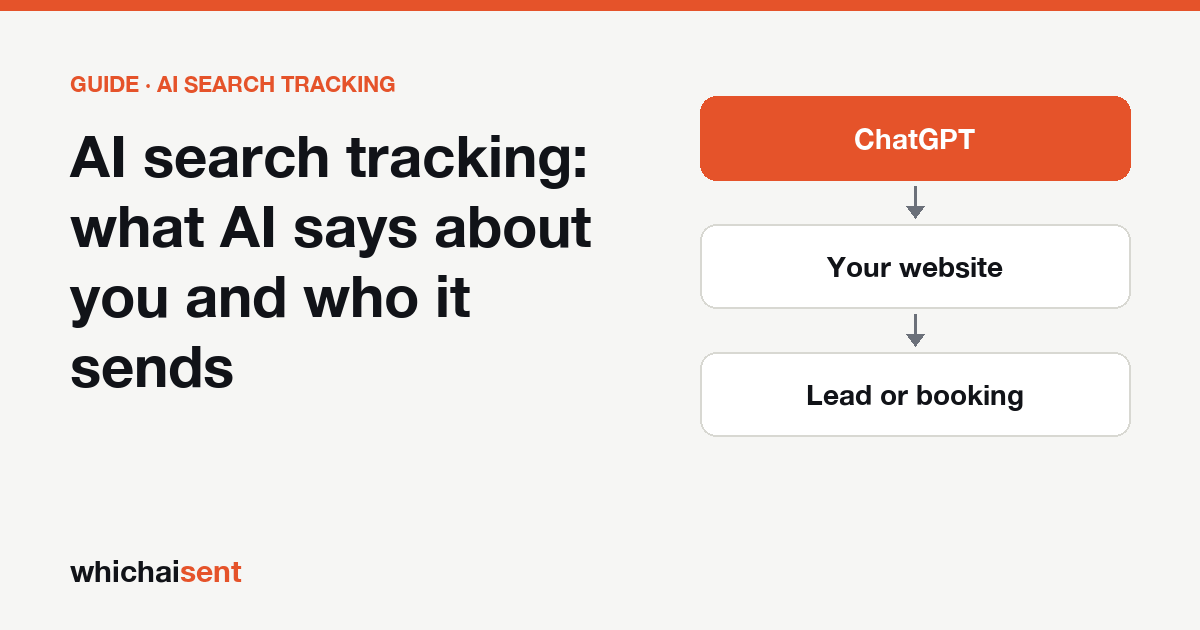
The three layers of AI search tracking
When someone types “ChatGPT tracking” or “Gemini tracking” into Google, they usually mean one of two different things. Some want to know whether the assistant recommends them. Others want to know whether it sends them customers. Both matter, and they need different measurements:
| Layer | The question it answers | Free way to track it | Built for it |
|---|---|---|---|
| 1. Mentions (AI visibility) | Does ChatGPT, Gemini or Perplexity name us, in what position, and which sites does it cite? | Ask 10 customer questions a month and log the answers | Prompt trackers; our weekly check covers ChatGPT and Gemini |
| 2. Visits (AI traffic) | How many people clicked through from an AI assistant, and which pages did they land on? | GA4 with an AI referrer filter | GA4, privacy analytics, Which AI Sent |
| 3. Leads and revenue (AI attribution) | Which of those people filled in a form, booked, bought or phoned, and what were they worth? | A “How did you first hear about us?” question | Which AI Sent |
The layers get harder to measure as you go down, and more valuable. A mention is a possibility. A visit is interest. A lead is money you can count. If you can only report one number to a boss or a client, make it the third.
Layer 1: track what AI says about you
AI assistants don’t publish a ranking, so you create one by asking the same questions on a schedule. The free method takes about 30 minutes a month:
- Write ten questions a real customer would ask: general (“best movers in Austin”), specific (“movers for a piano in Austin”), price and comparison questions.
- Ask each one in ChatGPT, Gemini and Perplexity, with the same wording every time.
- Log whether you were named and in what position, whether your site was linked, who was named instead, and which sites were cited.
- Compare the trend month to month across all ten questions, not single answers. Answers vary by person, place and time.
Our step-by-step versions for each assistant: the Perplexity rank tracker guide and the Gemini rank tracker guide. For a one-off answer in 30 seconds, the free AI visibility checker asks ChatGPT and Gemini three customer questions with live web search, with no sign-up.
How Which AI Sent does it. Every Monday, Which AI Sent asks ChatGPT and Gemini up to three questions a customer of yours would ask, with live web search switched on, like a real customer gets. For each answer it records whether you were named, your position, which businesses were named instead and which websites the assistant cited. Over the weeks that builds a list of the competitors AI names most often and, more usefully, the websites AI leaned on when it left you out: the review sites, directories and lists worth getting onto. It also asks each assistant what it knows about your business by name, so you can spot a wrong description early. You can run the check on demand once a day.
When a dedicated prompt tracker is the better choice. If you need hundreds of prompts, share-of-voice charts across ten or more AI models, or content written to close citation gaps, a visibility platform is built for that. We compare them honestly in AI visibility tracking tools compared and Which AI Sent vs Promptwatch.
Layer 2: track the visits AI sends
When someone clicks a link in an AI answer, the visit usually carries a referrer, and sometimes a UTM tag:
| Assistant | What shows up in your analytics |
|---|---|
| ChatGPT | Referrer chatgpt.com (older links: chat.openai.com), and often utm_source=chatgpt.com |
| Gemini | Referrer gemini.google.com |
| Perplexity | Referrer perplexity.ai |
| Copilot | Referrer copilot.microsoft.com |
| Claude | Referrer claude.ai |
Free method: in GA4, open Reports → Acquisition → Traffic acquisition, set the dimension to Session source, and filter with a regular expression of AI hosts. Our GA4 guide has the full steps, and the AI referral regex generator writes the filter for you.
The catch: taps from the ChatGPT and Gemini mobile apps often arrive with no referrer at all, so GA4 files them under Direct. Any tool that only reads referrers undercounts AI. That is why layer 3 exists.
How Which AI Sent does it. One click on WordPress, Wix or Google Tag Manager (one line of code anywhere else) and it recognises visits from ChatGPT, Gemini, Perplexity, Claude and Copilot, plus Meta AI, Grok, DeepSeek, Mistral and others. The dashboard shows AI visits, the pages they landed on, and AI’s share of your organic traffic, with a weekly email. This part is on the free plan.
Layer 3: track the leads and revenue
This is the layer that answers “is AI search worth it?”, and the one most AI search tracking tools leave out. Two methods together catch most of it:
- Follow the visit to the lead. When an AI visitor fills in a form, books or buys, keep the AI source with that lead, along with the pages they read first.
- Ask the customer. Many people ask ChatGPT who to hire, then search your name or phone you. No tracker sees that. One question does: “How did you first hear about us?”, with ChatGPT, Gemini and “another AI assistant” as options, on the form and in the phone script.
How Which AI Sent does it. Every lead is stored with where it came from and the pages the person read, and labelled by the evidence behind it:
| Label | What it means |
|---|---|
| Confirmed | The visit was tracked arriving from an AI assistant |
| Declared | The customer said they found you through AI |
| Assisted | AI was part of the journey, but not the only source |
You get an email the moment AI sends a lead. On Pro, leads go to your CRM (HubSpot, GoHighLevel, Zapier, Make or webhooks) and won deals flow back, so the AI revenue figure fills itself in. Because it only counts what has evidence, that figure is a defensible minimum, not a guess. More on the method in AI lead attribution and why every AI attribution tool undercounts.
A 15-minute weekly AI search tracking routine
- Monday: read the visibility check. See whether ChatGPT and Gemini named you for your customer questions, who they named instead, and which sites they cited.
- Check AI visits. Compare this week’s AI visits and their share of your organic traffic with last week, and note which pages they landed on.
- Review AI leads. Open each new AI lead, check its evidence label (Confirmed, Declared or Assisted) and the pages the person read before getting in touch.
- Fix one gap. Pick one site AI leaned on when it left you out, or one page AI visitors read but didn’t convert on, and improve it.
For agencies, the same routine becomes the monthly client slide: mentions, visits, leads. The Agency plan gives each client a private, view-only dashboard.
Best AI search tracking tools, by job
| Tool | Best at | Starts at |
|---|---|---|
| Promptwatch | Prompt and citation tracking across 10+ AI models, plus content writing | $95/month (checked 2 Nov 2026) |
| Ahrefs Brand Radar | Large AI mention index inside Ahrefs | $199/month for the AI Visibility Index (checked 29 Oct 2026) |
| Semrush AI Visibility Toolkit | AI visibility inside Semrush | $99/month per domain (checked 29 Oct 2026) |
| Profound, Peec AI | Enterprise and mid-market prompt tracking | See vendor |
| Google Analytics 4 | Counting AI visits | Free |
| Attrifast | Matching AI visits to Stripe and Shopify payments | $9.99/month (checked 2 Nov 2026) |
| Which AI Sent | AI visits through to named leads, calls and revenue, with a weekly ChatGPT and Gemini check | Free plan; paid from $20/month |
Many teams pair one visibility tool with one attribution tool. Read AI attribution vs AI visibility if you are deciding which one to start with, or the best AI attribution tools compared.
What AI search tracking can’t see
- Private conversations. No tool can read what a person asked ChatGPT. Visibility checks are a consistent sample of likely questions, not a census.
- Answers that change. The same question can get a different answer tomorrow, in another city, or when signed in. Track trends over weeks.
- Visits without a referrer. App traffic often lands in Direct. Only asking customers recovers it.
- Value you never record. If won jobs never get marked as won, revenue stays at zero. Connect the CRM or import a weekly CSV.
About Which AI Sent
Which AI Sent is AI search attribution software made by Tamitechs, launched in September 2026. It is built for businesses that sell through leads, bookings and calls (home services, trades, clinics, local firms), for online stores, and for the agencies that report to them. Plans: Free ($0, one website, AI traffic), Starter ($20/month: every lead with its source, revenue, AI visibility checks, instant lead emails), Pro ($50/month: three websites, CRM sync, shareable dashboards, API) and Agency ($100/month: ten websites, one login, a view-only link per client). See pricing and integrations, or the bigger picture in what AI search attribution is.
AI search tracking questions
What is AI search tracking?
AI search tracking measures how AI assistants such as ChatGPT, Gemini, Perplexity, Claude and Copilot affect a business. It covers three things: whether the answers mention you (visibility), how many people click through to your site (visits), and how many of them become leads or customers (attribution).
What is the best AI search tracking tool?
It depends on the question you need answered. Prompt trackers such as Promptwatch, Profound, Peec AI, Ahrefs Brand Radar and the Semrush AI Visibility Toolkit are built for mentions and citations across many prompts. GA4 counts AI visits for free. Which AI Sent is built for the last step: which visits and calls became leads and revenue, with a lighter weekly mention check on ChatGPT and Gemini included.
Can I track AI search for free?
Yes, partly. Ask ten customer questions in ChatGPT, Gemini and Perplexity each month and log the answers, filter GA4 by AI referrers, and add “How did you first hear about us?” to your forms. Which AI Sent also has a free plan that counts AI visits for one website, and a free visibility checker that needs no sign-up.
How do I track traffic from ChatGPT, Gemini and Perplexity?
Look for their referrers (chatgpt.com, gemini.google.com, perplexity.ai, copilot.microsoft.com, claude.ai) and for utm_source=chatgpt.com in your analytics. Some visits arrive with no referrer, especially from the mobile apps, and land in Direct, so pair the analytics with a “how did you hear about us” question.
Does Which AI Sent track Perplexity?
Yes for visits: Perplexity, ChatGPT, Gemini, Claude, Copilot and other assistants are recognised when they send traffic. The weekly visibility check, which asks AI assistants questions about your business, currently runs on ChatGPT and Gemini.
Track all three layers in one place
Connect your website in one click, add one question to your form, and see what AI says about you, who it sends and what they are worth.