What does utm_source=chatgpt.com mean? A plain guide for website owners
Short answer: it is a label ChatGPT adds to many of the links in its answers. When someone clicks one and lands on your website, the label tells your analytics “this visit came from ChatGPT”. It is harmless, you should keep it, and it only shows part of the picture.
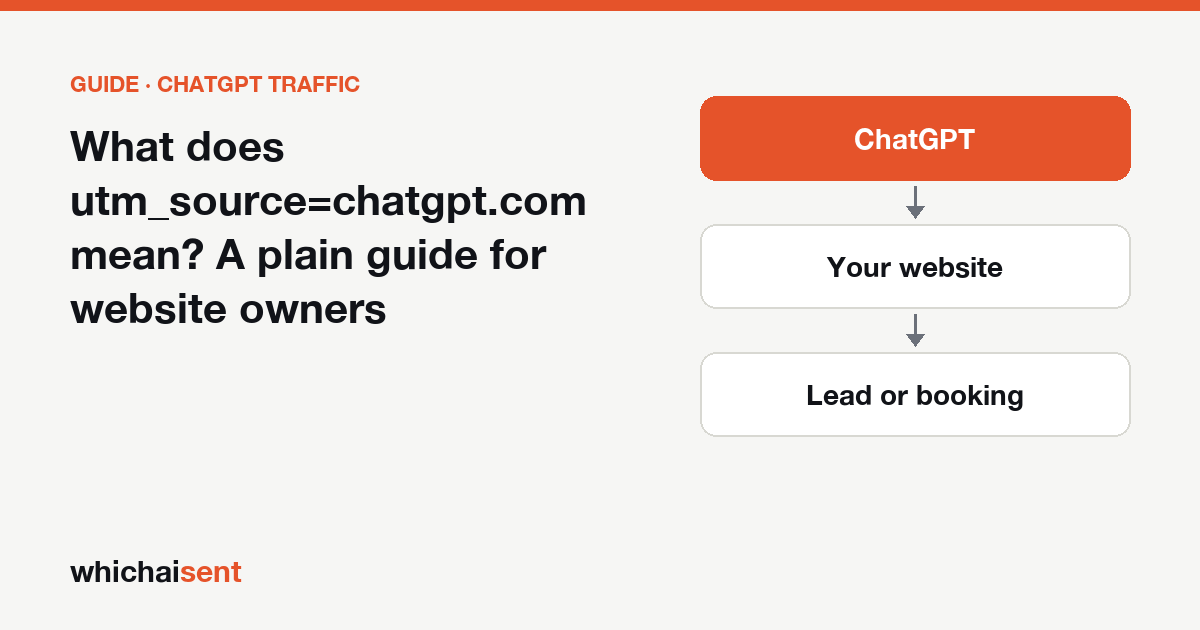
You open your analytics, or look at a link someone pasted into a message, and your web address has something extra on the end: ?utm_source=chatgpt.com. You did not put it there. Here is what it is, who added it, and what it is good for.
What the tag is
A UTM parameter is a short label on the end of a link that tells analytics tools where a visitor came from. Marketers have added them to email and ad links for years. utm_source is the label for “which place sent this visitor”.
When ChatGPT answers a question and links to a website, it often adds utm_source=chatgpt.com to that link itself. So a visitor who clicks through to your pricing page arrives at an address like yoursite.com/pricing/?utm_source=chatgpt.com. Three things follow from that:
- It is not a hack or a virus. Nothing on your website changed. The label is added on ChatGPT’s side before the click.
- It does not change your page. The visitor sees exactly the same page as anyone else.
- It says nothing about the person. It names the source, ChatGPT, and that is all. It does not carry the question they asked.
Which ChatGPT links carry it, and which don’t
Not every link. The most careful public testing we know of is by Seer Interactive, whose write-up (last updated June 2026) describes the pattern below. Seer is clear that this is observed behaviour that has changed before and may change again, so read it as “usually”, never “always”.
| Kind of link in ChatGPT | Tagged with utm_source=chatgpt.com? |
|---|---|
| Sources and citations under an answer | Usually yes. Seer calls this the most likely case |
| Links ChatGPT includes in a longer answer without being asked for one | Often yes |
| The “more” sources list | Yes, added later than citations |
| Plain search-style results, or a URL the user asked for directly | Often no |
| Sensitive topics (medical, legal, financial) and login pages | Usually no |
The practical point: a count of visits with this tag is a floor for your ChatGPT clicks, not the total.
Where you will see it
In Google Analytics 4
- Open Reports, then Acquisition, then Traffic acquisition.
- Change the first column of the table to Session source (or Session source / medium).
- Type
chatgptin the search box above the table.
You will see chatgpt.com as the source. Because ChatGPT sends only a source label and no medium label, some of these visits show a medium of (not set) instead of referral. That matters if you built your own AI channel: a rule that also demands “medium is referral” will miss them, so match on the source alone. Our ChatGPT traffic in GA4 guide walks through the full setup, and the free AI referral regex generator gives you the pattern to paste in.
On Shopify, Wix, Squarespace, Webflow and WordPress
Each platform’s built-in reports show sources a little differently, and some show UTM labels in a separate report from referrers. We keep step-by-step instructions for each one in the platform guides, for example ChatGPT traffic on Shopify and ChatGPT traffic on Wix.
Why the tag is useful
Normally a website learns where a visitor came from through the referrer, a note the browser passes along saying “this person was on chatgpt.com”. That note is easy to lose. Links opened from the ChatGPT mobile and desktop apps often arrive with no referrer at all, and those visits land in “Direct”, mixed in with people who typed your address.
The tag travels inside the address itself, so it can survive when the referrer is missing. That is why it is worth protecting, and why the next section matters.
Four ways the tag gets lost or misleads
- Your own redirects strip it. If your site redirects visitors (http to https, non-www to www, an old URL to a new one, or a “clean URL” plugin), check that the redirect keeps everything after the question mark. A redirect that drops it erases the label before analytics loads.
- The link gets shared. Someone clicks a ChatGPT link, copies the address with the tag still on it, and sends it to a friend. The friend’s visit is also labelled ChatGPT. It is a small effect, but it is why the tag shows where a link started, not always where this visitor clicked.
- The customer never clicks. Many people read ChatGPT’s answer and then search your business name or phone you. There is no link, so there is no tag. For local and home-service businesses this is often the larger group. We cover it in why every AI attribution tool undercounts.
- Other assistants don’t use it. The tag is ChatGPT’s. Perplexity, Gemini, Claude and Copilot visits are recognised mostly by their referrer, so each needs its own check. See the AI traffic tracking reference for the list.
How to check your site keeps the tag
This takes a minute. Open a private browser window and visit one of your pages with the tag added by hand, in the form yoursite.com/?utm_source=chatgpt.com. When the page finishes loading, look at the address bar.
- If the tag is still there, your site keeps it.
- If it has gone, a redirect or plugin is removing it. Ask whoever manages the site to preserve query strings on redirects.
Try it on the plain http:// and non-www versions of your address too, since those are the ones that redirect. Your test will show up as one ChatGPT visit in your reports, so do it once, not daily.
Should you remove it?
No. Some owners worry that the longer address looks untidy or creates duplicate pages in Google. A canonical tag on the page already tells search engines that the tagged and untagged addresses are the same page, and most website builders add one for you. Stripping the label gains nothing and costs you the one clear signal that a visit came from ChatGPT.
From a tagged visit to a paying customer
A count of tagged visits answers “did ChatGPT send people?”. The question that pays the bills is “did any of them become customers?”. To answer it you need three things working together:
- Keep the source with the visitor until they fill in a form, book or buy, even if that happens days later.
- Record it on the lead or order, so it shows up next to the name and the amount.
- Ask the customers who never clicked. A “How did you first hear about us?” question with ChatGPT as a named option catches the people the tag can’t. Wording that works is in the most valuable question you’re not asking.
This is what Which AI Sent does. It reads the ChatGPT tag and the referrers of the other assistants, follows the visitor to the lead or sale for up to 90 days, and labels each AI customer Confirmed (tracked) or Declared (they told you), so tracked and self-reported answers are never blended. The wider method is in our guide to tracking ChatGPT traffic, leads and sales. Launch offer: every Pro feature is free until October 31. No card needed.
Related: How to tell if ChatGPT is sending you customers and which of your pages ChatGPT sends visitors to.
The ChatGPT UTM tag
What does utm_source=chatgpt.com mean?
It is a tracking tag that ChatGPT adds to many of the links in its answers. When someone clicks one, the tag tells your analytics that the visit came from ChatGPT. It does not change your page and it carries no personal information about the visitor.
Is utm_source=chatgpt.com a virus or a sign my site was hacked?
No. It is a normal UTM parameter, the same kind marketers add to email and ad links. ChatGPT adds it on its side before the visitor arrives. Nothing on your website has been changed.
Does every visit from ChatGPT carry utm_source=chatgpt.com?
No. Seer Interactive's testing found source and citation links usually carry it, while plain search-style results and some sensitive topics often do not. People who read an answer and then search your name or phone you carry no tag at all.
Should I remove utm_source=chatgpt.com from my URLs?
Leave it in place. Removing it with a redirect throws away the one signal that tells you the visit came from ChatGPT. A canonical tag on the page already tells search engines that the tagged and untagged addresses are the same page.
See which ChatGPT visitors became customers
Connect your website in one click and follow AI visitors to the lead, booking or sale, with the evidence for each.